![logo-grunt.svg]](https://support.grunt.pro/hubfs/website%202025/logo-grunt.svg)
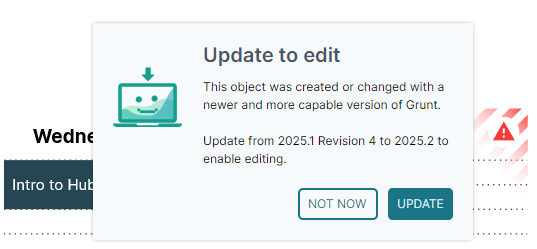
Sometimes we will add features or rewrite how an object functions, which makes older versions of Grunt incompatible with the way the object behaves.
If you open a slide-deck and you find yourself unable to edit or interact with Grunt-objects, this may be because the object in question is made on a newer version of Grunt than the one you have installed currently.
This can especially be true if you're collaborating cross-organization and several people are working on the same presentation.
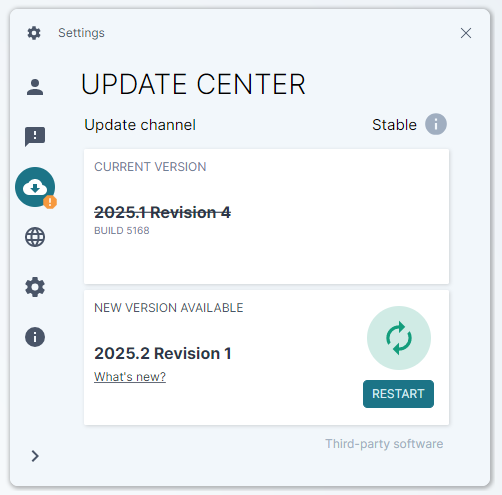
To solve this, all you have to do is update Grunt through the Ribbon in PowerPoint, by going to Grunt -> Settings -> Update icon.